Audio Drivers Installion
Repairing (installation) Audio Drivers of Debian PC
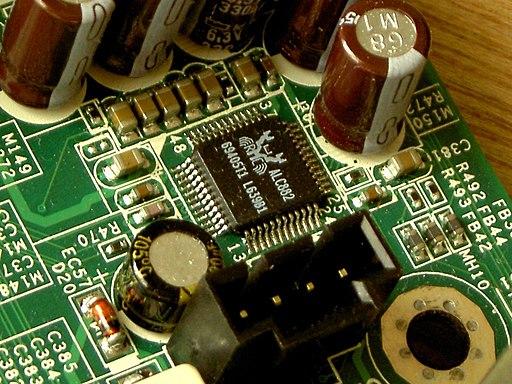
To support my freshly built PC, 4.11 kernel version for Realtek-ALC1220 was needed to support its audio. So, if you too are building your own new PC like me then this might help you as a temporary fix. Uninstall your alsa-base and reinstall latest version it should work fine.
sudo apt-get remove alsa-base
Now go to http://www.stchman.com/tools/alsa/alsa_setup.sh and download the script and then do
sudo ./alsa_setup.sh
This will reinstall the lastest driver in your system and reboots it.
Precaution: If you are having a Hybrid Graphics (Intel + Nvidia) then it is suggested to modify alsa-base when you are on Intel HD Graphics. Because this driver supports primarily Intel HDA versions. If you try to install while you are on NVIDIA graphics it might cause many failures.
Subscribe!
If you find the above content helpful/interesting and wish to read more such articles, then do subscribe to Random Product to never miss an update.
PS: Don’t hesitate to comment or leave a message
Discussions
Comments powered by Disqus